 Christian Beatty
A client sends an email: "Where is the blog post for this month?" You open the project board. The card says "in progress." Nobody can tell you who has it or when it was due.
You find out that the work is late when the client tells you. Then you apologize to the client, speak to the team, and hope that it does not occur again next month. But it occurs again, with a different client and a different deliverable.
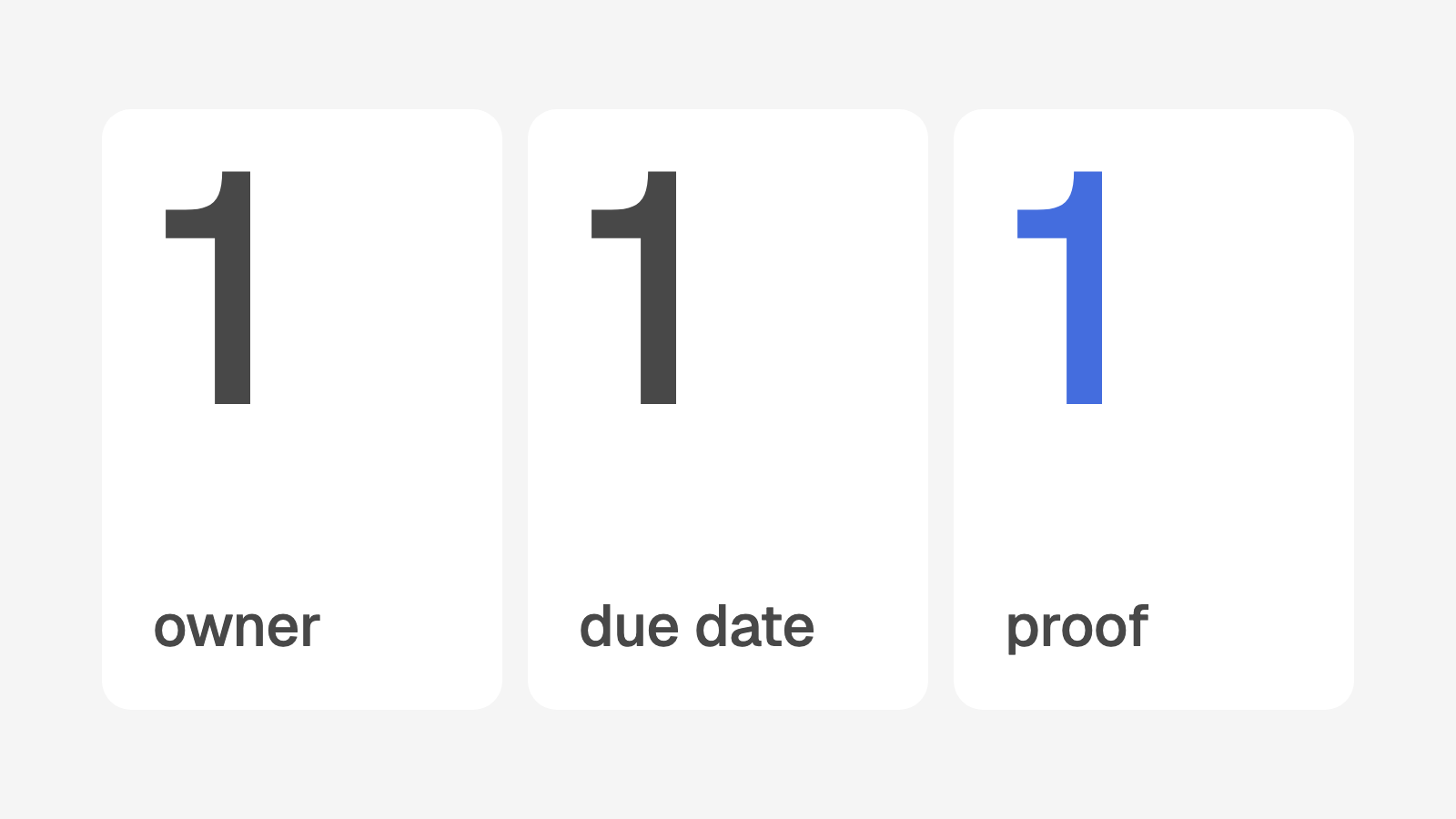
This post describes one rule that I use for every deliverable: one owner, one due date, and one proof. It also shows the work queue that I built for a local SEO agency with approximately 85 clients. At the end, there are steps that you can start this week with no software.
Why the client sees late work before the owner
Late deliverables are usually not a people problem. They are a system problem. These are the usual causes:
The deliverable has two or three names on it. Each person thinks that another person has it.
The deliverable has no due date. It has only "this month" or "soon."
"Done" means different things to different people.
A status changes only when a person remembers to change it.
No list shows all late work. The owner must ask each person.
In this system, the client is the first person to see a late deliverable. The client is the only person who examines the result. Good people miss dates when the system lets a deliverable have no owner and no date.
The rule: one owner, one due date, one proof
One owner
Each deliverable has one name. This person makes sure that the work is done. Other people can help, but one person is responsible. Sometimes the client must do a step, for example send a login. The deliverable still has one person on the team who is responsible for it.
One due date
Each deliverable has a calendar date. "This week" is not a due date. A deliverable is late when the due date is in the past and the work is not approved. No person decides if it is late. The date decides.
One proof
Each deliverable has a link that a person can open. For example, the live blog post, the report in Google Drive, or a Loom video of the change. "It is done" is a statement. A proof link is a fact that the reviewer can examine in one minute.
How the work queue works
I built this rule into the operations platform for the agency. In the software, one deliverable is one "task." Each task has a client, a service, an assignee, a reviewer, a due date, and a status.
The statuses
Status | What it means |
|---|---|
To do | The work is not done yet. A deliverable also returns to To do when the reviewer sends it back. |
In review | The assignee marked the work done. The reviewer must approve it. |
Approved | The work is finished. It does not count as open work. |
Cancelled | The team stopped the work. It does not count in the numbers for the team. |
Overdue (a filter, not a status) | The due date is in the past, and the status is not Approved or Cancelled. |
Overdue is not a status that a person sets. The system calculates it each time a person opens the page. Because of this, nobody can forget to mark a deliverable as late.
Who assigns the work
The system creates deliverables from the services that the client pays for. When the team adds a service to a client, the system creates the deliverables from the SOP for that service. If the service has a setup step, the system also creates a setup deliverable. It is due 5 days later, or 10 days later for a website.
On the 1st of each month, a scheduled job creates the monthly deliverables. Examples are the monthly report and the monthly blog post. Nobody must remember to create them.
The Services page lists the people who do each service. The system assigns each new deliverable to one of these people. A fixed rule selects the reviewer. Website work goes to one reviewer on the web team. All other work goes to the SEO manager. When the SEO manager does the work, a different person reviews it.
Any person on the team can reassign a deliverable. The system records who made the change and when. The page for the deliverable shows the last change. The software allows only one name on each deliverable.
What "done" means
The assignee clicks Mark done. A box next to the button accepts a proof link. Each service has a field "Proof to link." This field tells the assignee what good proof is for that service. The page for the deliverable shows this text.
Some deliverables are major. A major deliverable has the label "Reviewed." When the assignee marks it done, it goes to In review. Other deliverables are approved when the assignee marks them done. The Services page sets which deliverables are major.
In the software, the proof link is required. A person cannot mark a deliverable done without proof. In review, the reviewer sees the proof link and opens it.
What happens when the reviewer sends work back
The reviewer sees two buttons: Approve and Send back. Send back opens a box. The reviewer writes one or two lines that tell the assignee what to change.
The deliverable returns to To do. At the top of its page, a note shows the words "Sent back for changes" and the date. The note also shows the name of the reviewer and the text that the reviewer wrote. The assignee does the work again and marks it done again.
The system records each send-back. The owner dashboard counts them for each person. The client risk score also uses them. A deliverable that the reviewer sent back in the last 60 days adds 10 points to the risk score of that client.
What the owner sees each day
The owner does not ask each person "Is this done?" The owner opens three views.
The work queue
The work queue shows Overdue and To do by default. The nearest due date is at the top. A late deliverable shows its date in red with the label "Late."
Filters show "My tasks," "Everyone," one person, or "Unassigned." The status filter can show any mix of the statuses. In the menu, each person sees a red number next to Work. This number is the count of their own overdue deliverables.
Team workload and delivery
The owner dashboard has a section with one row for each person. Each row has these numbers:
Open work now, in three parts: overdue, in review, and to do
Approved in the period
On time: the percent of deliverables approved by the due date
Days to approve: the average time from creation to approval
Sent back from review
Reviews that wait for this person
The rows with the most overdue work are at the top. Next are the people who hold up the most reviews. The owner can show this month, last month, the last 90 days, or all time.
A line under the title says that the section counts tasks, not effort. It shows who is stretched or blocked. It is not a score for each person. If some open deliverables have no assignee, a line below the table shows the count.
The Deliverables tab for each client
Each client page has a Deliverables tab. At the top, there are four numbers: Open, Overdue, In review, and Approved. A note lists the monthly deliverables for this month that have no saved result yet. Open work is first, with the nearest due date at the top.
This tab is useful before a call with the client. In one minute, the team member knows what is late and what is finished.
Late work is also a client risk signal
Overdue deliverables are part of the client risk score. One or two overdue deliverables add 15 points. Three or more add 25 points. If one deliverable is 14 or more days late, the risk score adds 5 more points.
Because of this, the owner sees late work as a client problem before the client sees it. The client does not see your deliverables. The client sees only the results.
Where AI helps
The work queue runs on rules and scheduled jobs. Rules are easy to read and easy to change. AI helps the reviewer with one job.
When a deliverable goes to In review, AI opens the proof link. AI compares the proof with the SOP for that service. Then AI tells the reviewer what possibly is not complete. The reviewer still opens the proof and makes the decision.
Start this week
You can start this rule with a spreadsheet and one meeting. You do not have to buy software.
Make a list of all open deliverables for all clients.
Write one owner next to each deliverable.
Write one due date next to each deliverable. Use a calendar date.
Write the proof for each type of deliverable. For example, a blog post has the live URL.
Select one reviewer for each type of deliverable.
Tell the team the rule: a deliverable is done only when it has a proof link.
Each Monday, sort the list by due date.
Mark each open deliverable with a past due date as late.
Speak to the owner of each late deliverable on the same day.
Count the deliverables that the reviewer sent back each week.
After four weeks, the list shows two things. You see who has too much work. You also see which service is often late. Then you can correct the cause before the client sends the next email.
How does your agency score?
Delivery accountability is one of eight areas in the free agency systems quiz. The quiz has 14 questions and takes 5 minutes. You receive a score out of 100 and your three largest gaps.
Take the 5 minute quiz. Or book a call, and I will show you how a system like this can work in your agency.